To add a credit card onto your account, even if you do not have a camera, please follow these steps:
- Download our app (or go to my.yellowstone.ai) and create an account.
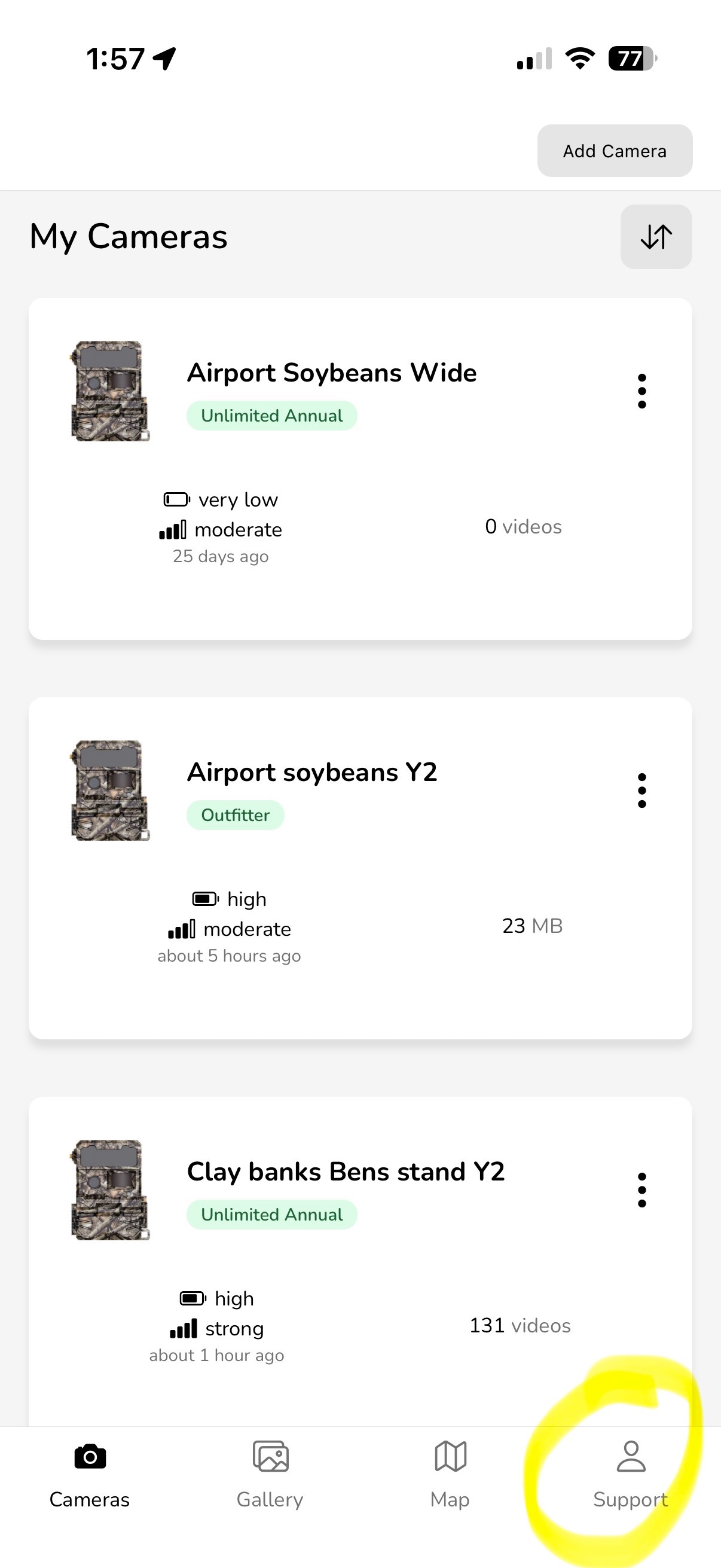
- Click "Support."
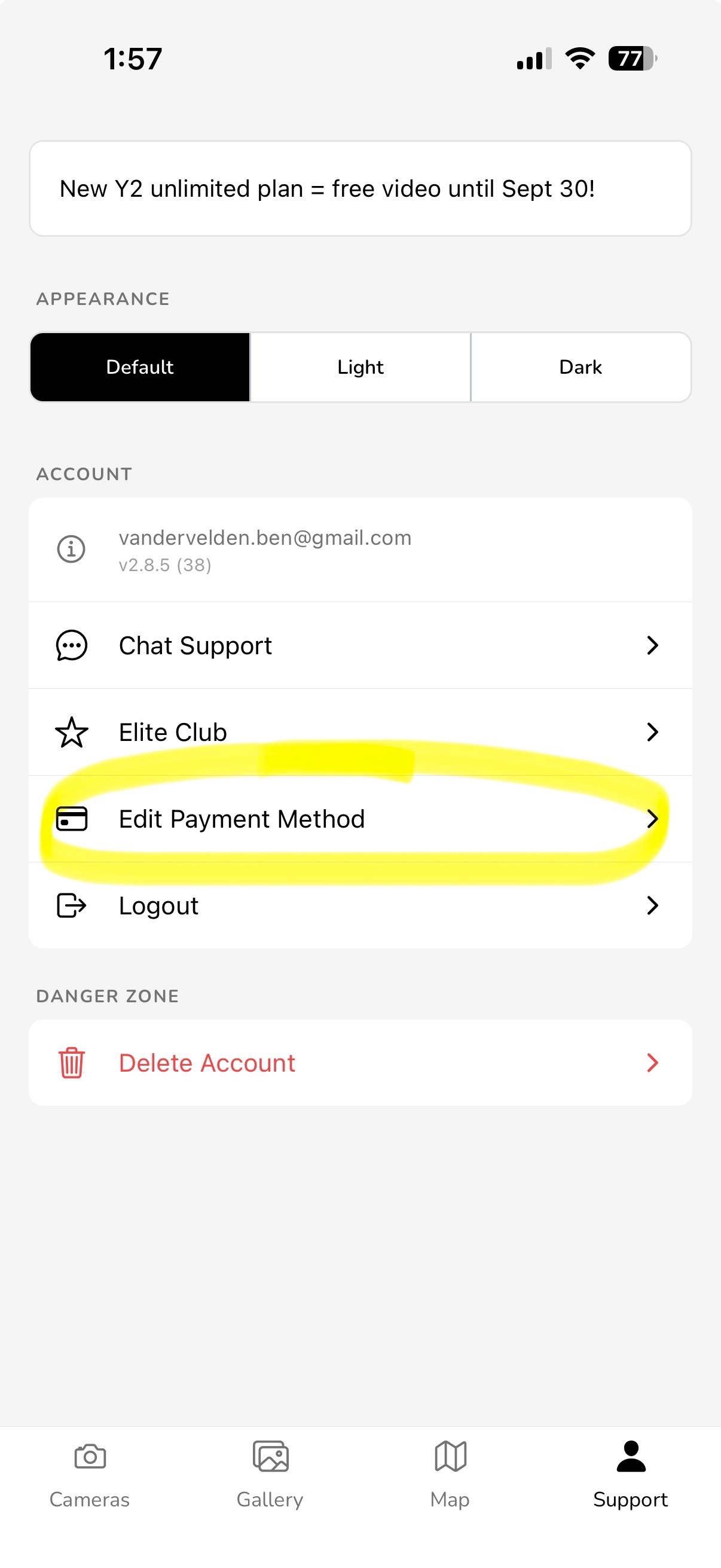
- Add your payment information.
- Click "Save."
Was this article helpful?
That’s Great!
Thank you for your feedback
Sorry! We couldn't be helpful
Thank you for your feedback
Feedback sent
We appreciate your effort and will try to fix the article